How to Pick the Right CI/CD Tools for Your Team’s Maturity Level

Most teams pick a CI/CD tool based on what’s trending, what a senior engineer used at their last job, or what a vendor demo made look easy.
But that’s how you end up with a platform your team can’t maintain, or one that creates more overhead than it removes.
The right CI/CD tools for your team have nothing to do with what’s most popular. Rather, they have everything to do with your team’s current maturity, deployment volume, and how much complexity you can realistically operate.
What Is CI/CD, and Why the Tool Decision Actually Matters
At its core, continuous integration is the practice of merging code changes frequently and validating them automatically. Continuous delivery takes that validated code and pushes it toward production with minimal manual intervention.
CI/CD tools are what execute those practices. A well-chosen tool removes friction. On the other hand, a poorly chosen one creates a platform your engineers route around.
That’s the cost nobody talks about. Teams on the wrong tool don’t just waste time configuring it. They stop trusting it. They deploy manually. They skip tests. The tool becomes a bottleneck, not a multiplier.
DORA’s delivery performance research consistently shows that pipeline automation is the clearest predictor of deployment frequency and lead time reduction.
The Three Maturity Levels of CI/CD Adoption
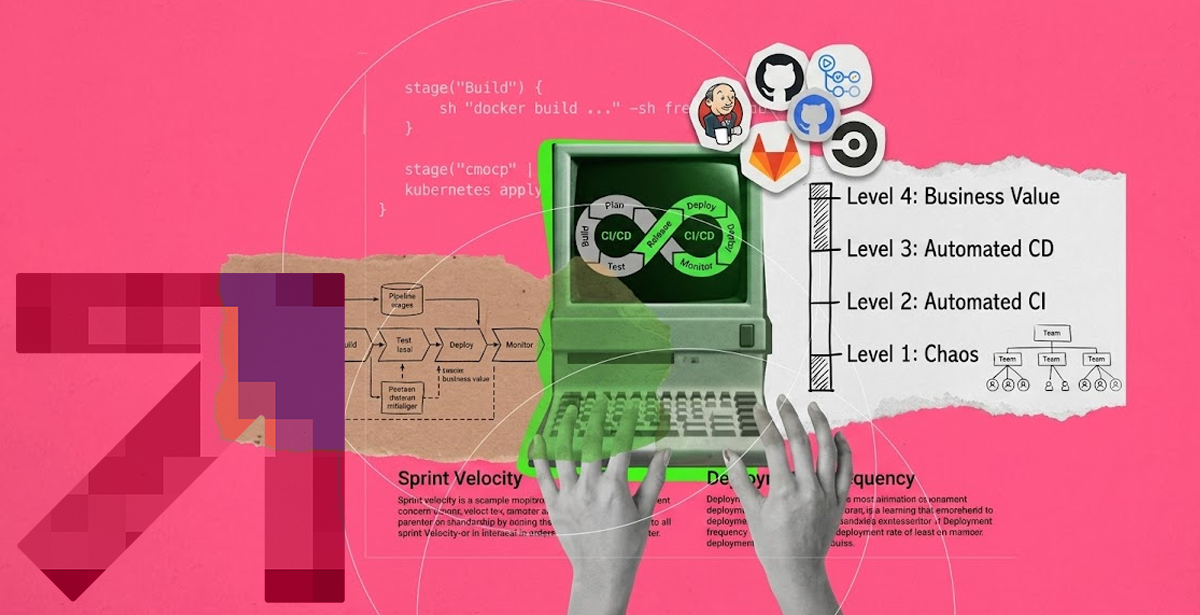
Each of the three stages of team maturity calls for different CI/CD tools. The mistake is skipping ahead.
- Early Stage – Deployments are manual or semi-automated. No consistent pipeline exists. The team needs to automate without overbuilding.
- Growing Stage – Basic pipelines exist but coverage is inconsistent. Some environments are automated, others aren’t. The team is ready to standardize and extend.
- Advanced Stage – Pipelines are comprehensive. The team is optimizing for speed, security, compliance, and multi-environment consistency. Tooling needs to match that complexity.
CI/CD Tools for Early-Stage Teams
Teams starting out need tools with low configuration overhead and strong documentation.
Jenkins is often the first name that comes up. It’s open-source, flexible, and has a massive plugin ecosystem. But a Jenkins pipeline setup demands real maintenance effort as complexity grows.
For lower-friction entry points, GitHub Actions or Bitbucket Pipelines offer tight source control integration with minimal setup. If your team already runs on GitHub, an Actions workflow can be running in under an hour.
The priority at this stage isn’t power. It’s consistency. Getting every deployment to flow through a pipeline, every time, is the outcome that matters.
CI/CD Tools for Growing Teams
At the growing stage, you need tools that handle multiple environments, enforce promotion gates, and integrate with your container and cloud infrastructure.
GitLab CI/CD is where many teams land. Its pipeline-as-code approach via .gitlab-ci.yml is readable, version-controlled, and integrates natively with GitLab’s container registry and environments. For teams running Kubernetes, GitLab CI/CD’s native integration with kubectl and Helm charts reduces custom scripting significantly.
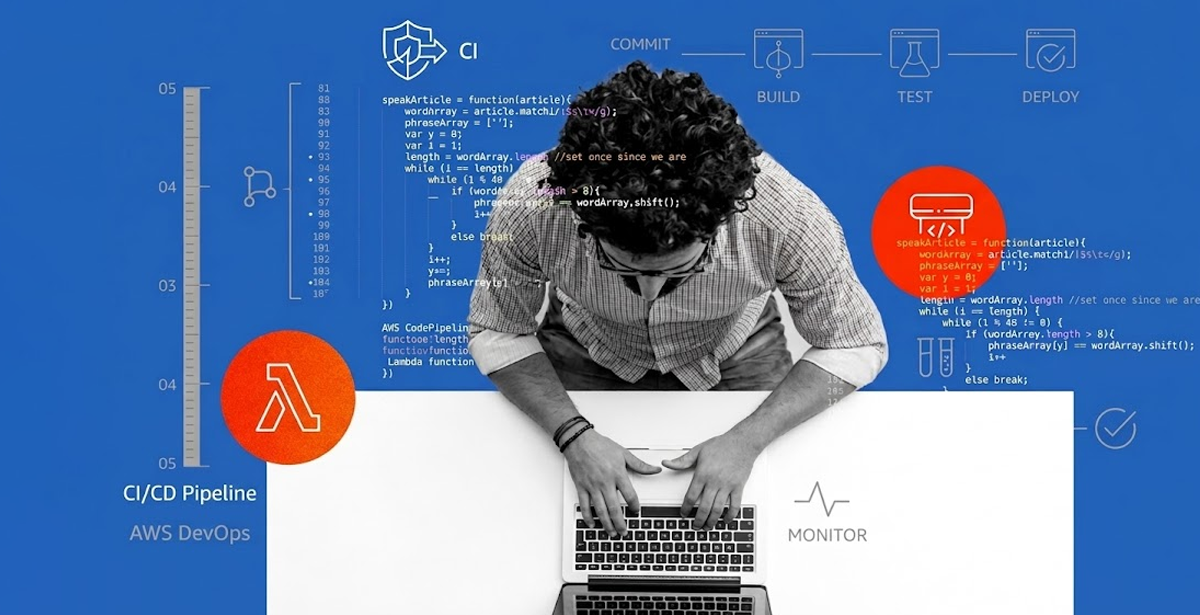
AWS CodePipeline is the right call when your infrastructure is AWS-native. It connects tightly with CodeBuild, CodeDeploy, and Lambda. Its IAM-native permission model fits well into AWS-heavy security postures. Our comparison of GitLab CI/CD vs. AWS CodePipeline breaks down which one fits which stack.
CI/CD Tools for Advanced Teams
At the advanced stage, the tool itself is less of the decision than the architecture around it.
Whether you’re running GitLab CI/CD on-premises or AWS CodePipeline with advanced IAM controls, the pipeline needs to integrate with your secrets management, runtime security, and observability stack.
For teams on K8s, underlying Kubernetes cluster design directly affects pipeline reliability, deployment speed, and recovery time—making high availability architecture and resilient infrastructure patterns essential for ensuring consistent CI/CD performance under real-world production loads.
DPL architected a fully offline CI/CD pipeline for the PAF’s air-gapped Kubernetes deployment: on-premises GitLab in an air-gapped cluster, with Harbor as the private container registry and Nexus for artifact management.
Zero internet connectivity. Multiple daily deployments. Pipeline execution time under 10 minutes.
That’s what advanced CI/CD looks like when security constraints are non-negotiable.
DevOps Automation Services: When to Build vs. Hiring a Tech Partner
Building and maintaining CI/CD infrastructure takes engineering time your product team often can’t spare. That’s where DevOps automation services change the equation.
A partner that has deployed across AWS, GCP, and air-gapped Kubernetes brings implementation patterns you’d otherwise learn by failing.
DPL’s work with NJS’s deployment automation cut deployment time from 4 hours to under 1 minute, reduced manual deployment effort by 90%, and delivered SOC2 Type II compliance. All on AWS CodePipeline and ECS.
💡For teams building on AWS, the effectiveness of DevOps depends on making the right architecture decisions at each maturity stage. Aligning infrastructure, CI/CD, and observability with AWS-native services ensures scalable, secure, and cost-efficient delivery pipelines that evolve smoothly from early adoption to enterprise-grade operations. So, make sure to read up on AWS DevOps consulting and what it can offer for your organization.
Matching the Tool to Your Team
There are a few decision criteria worth keeping front of mind, mainly:
- Source Control Alignment – If your team lives in GitLab, start there. Cross-platform integrations add friction that compounds over time.
- Cloud Alignment – AWS-native teams should weight CodePipeline and CodeBuild heavily. Multi-cloud teams benefit from GitLab CI/CD’s cloud-agnostic approach.
- Security and Compliance Requirements – Air-gapped, SOC2, HIPAA, or government workloads have constraints that eliminate most hosted CI/CD tools outright. On-premises GitLab or self-hosted Jenkins become the baseline.
- Team Bandwidth – Continuous integration tools that match your team’s capacity to operate them will outperform theoretically superior tools that sit misconfigured. Every time.
The platform engineering vs DevOps lens matters here too. As your organization matures, the question shifts from “which CI/CD tool should we use” to “how do we build an internal delivery platform our teams consume.” That shift is worth anticipating early.
Where to Start
The right CI/CD tools are the ones your team can operate well today. Start there. Expand as deployment patterns and team capacity grow.
If you’re evaluating tooling for a pipeline rebuild or greenfield setup, DPL’s DevOps services cover the full stack — from tool selection through CI/CD implementation and ongoing managed operations.